Videos in Corporate Learning: How to Make Content Accessible
A comprehensive guide on implementing accessibility features in corporate training videos, including subtitles, transcriptions, audio descriptions, and practical tools to ensure inclusive learning experiences for all employees.
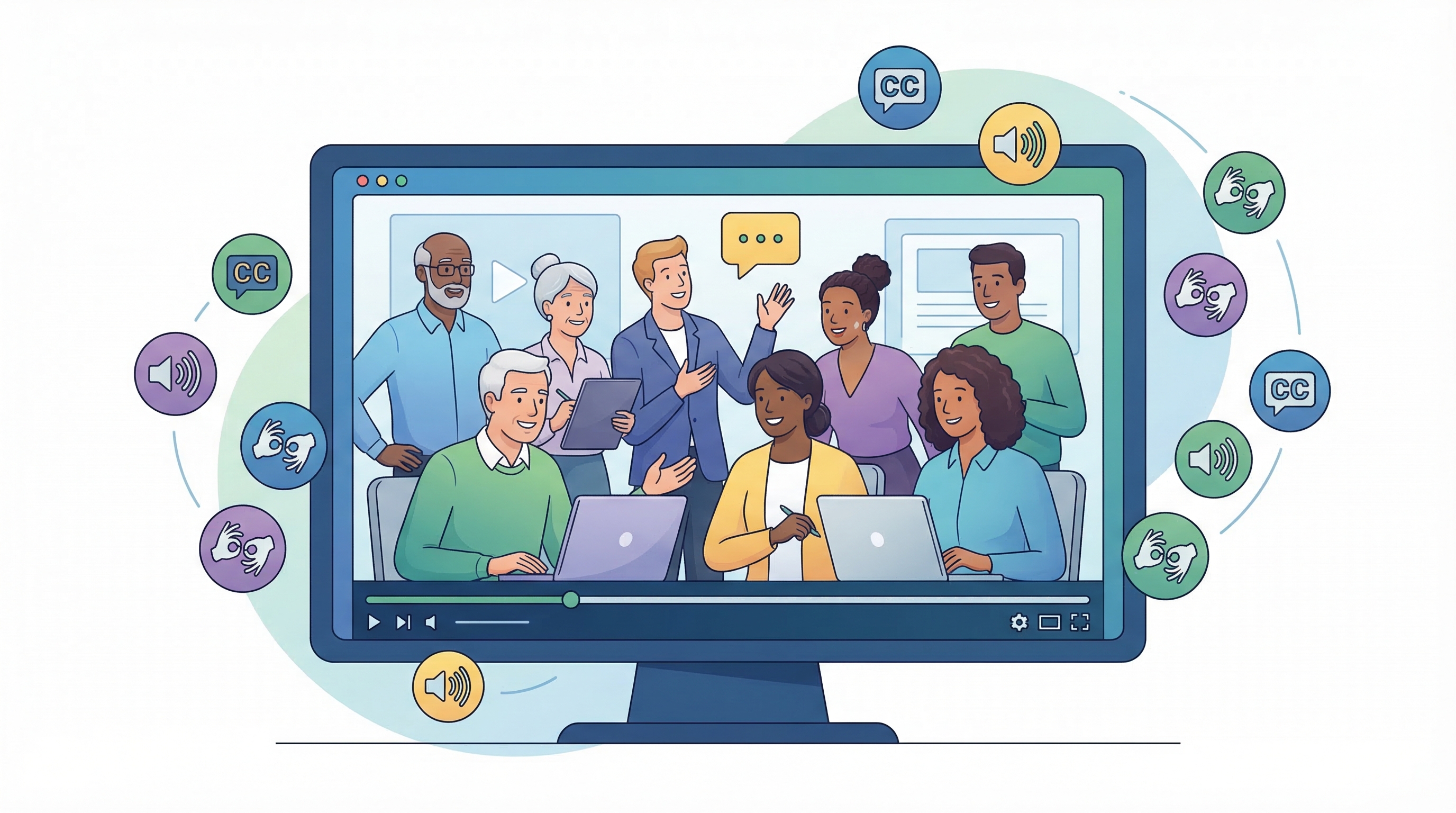
Videos in Corporate Learning: How to Make Content Accessible

March 16, 2026
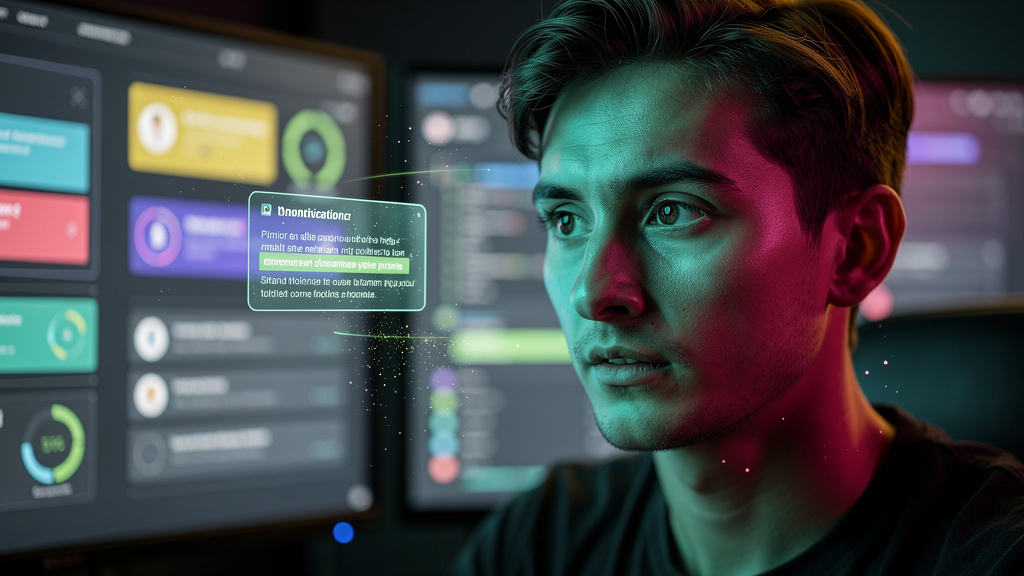
Video-based learning has become a fundamental pillar in corporate education strategies. Its ability to engage, simplify complex concepts, and reach a diverse audience makes it a powerful tool for talent development. However, to ensure that all employees can benefit, it is crucial that video content be accessible. This means considering the needs of people with disabilities, different learning styles, and varied contexts.
The Importance of Accessibility in Training Videos
Accessibility in training videos is not just a matter of compliance with regulations, but rather one of inclusion and equity. When content is accessible, you demonstrate respect for your team's diversity and ensure that everyone has the opportunity to develop their skills and competencies. Furthermore, accessibility can improve the learning experience for everyone, not just those with specific needs. Well-accessible videos are easier to understand, follow, and retain information from.
Practical Strategies to Make Your Videos Accessible
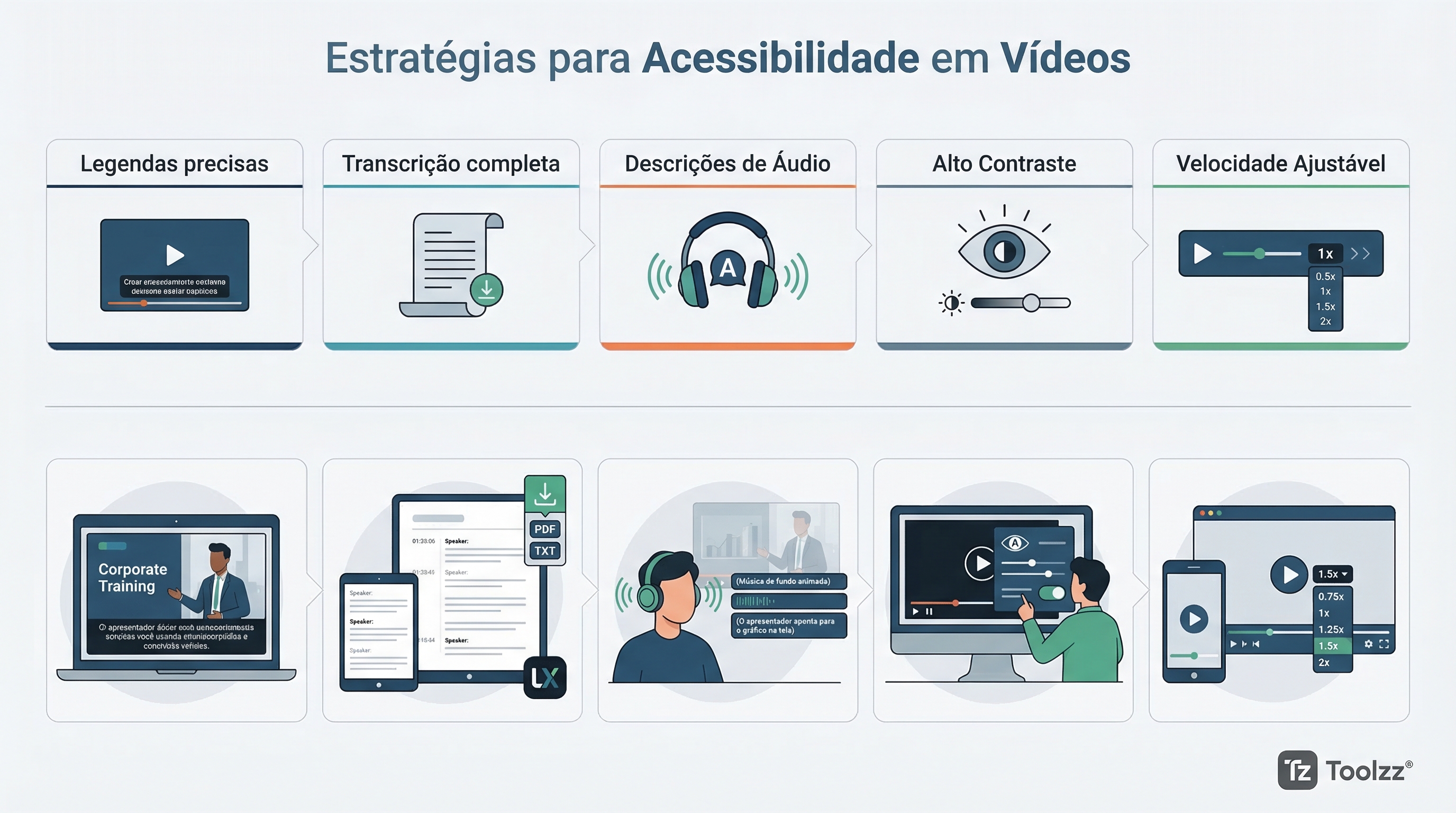
There are several strategies that can be implemented to make your videos more accessible. Some of the most important include:
- Subtitles: Subtitles are essential for people with hearing disabilities, but can also be useful for those learning a new language or who prefer to read while watching the video. Make sure the subtitles are accurate, synchronized, and easy to read.
- Transcription: A complete transcription of the video allows users to access the content in different ways, such as reading or searching for keywords. This is especially useful for people with visual disabilities or who prefer to consume information in text format.
- Audio Descriptions: For people with visual disabilities, audio descriptions provide information about the visual elements of the video, such as scenes, graphics, and facial expressions. This allows them to follow the content and understand the context.
- Color Contrast: Make sure that the color contrast in the video is sufficient to facilitate viewing, especially for people with low vision. Avoid color combinations that are difficult to distinguish.
- Playback Speed: Allow users to adjust the video playback speed so they can follow the content at their own pace. This is especially useful for people with learning difficulties or who need more time to process information.
Tools and Resources for Video Accessibility
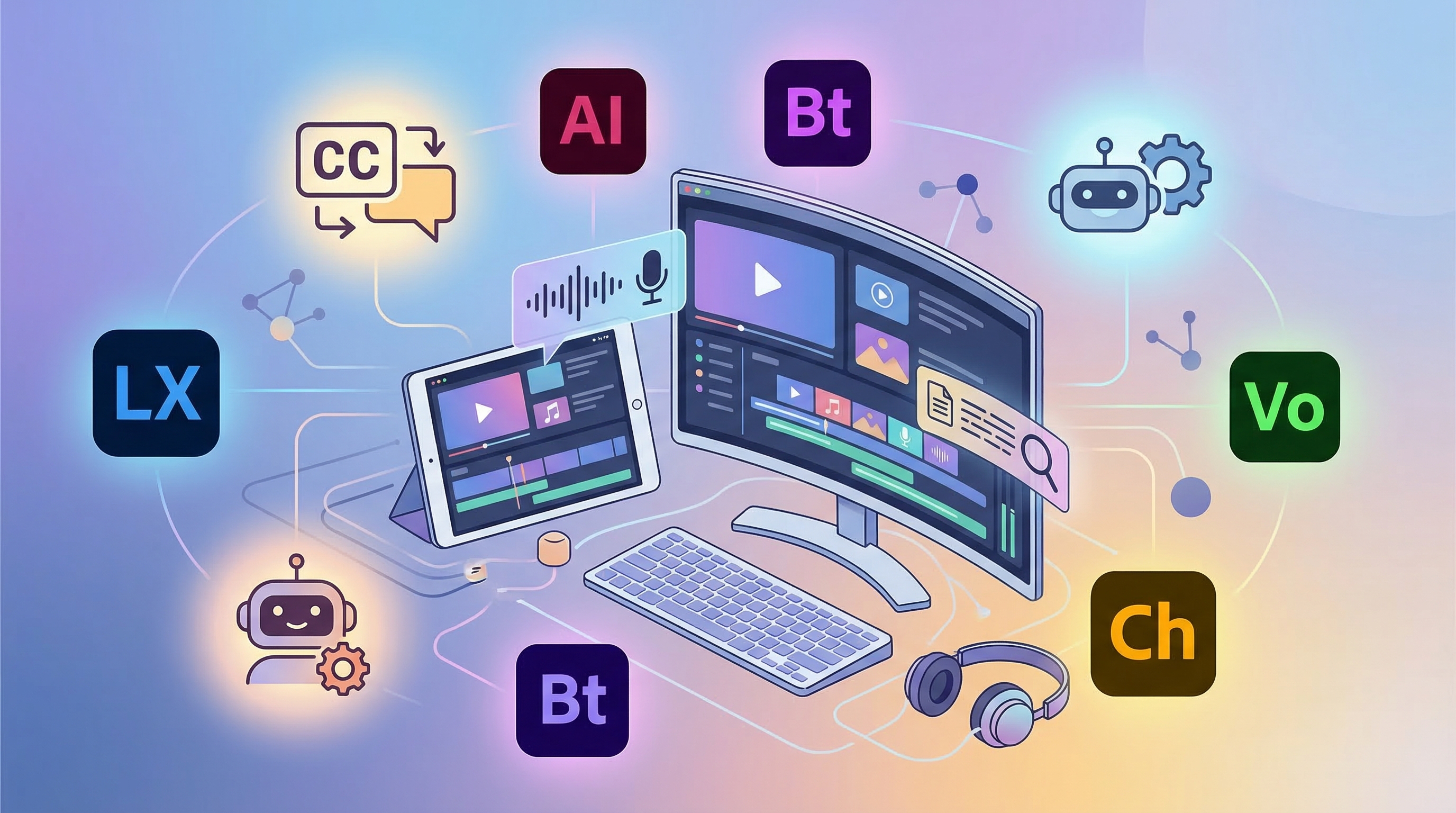
There are several tools and resources available to assist in creating accessible videos. Some of the most popular include:
- Subtitle Software: There are various software programs that can generate subtitles automatically or allow you to create and edit subtitles manually. Examples include YouTube Studio, Adobe Premiere Pro, and Descript.
- Transcription Software: Automatic transcription tools can convert your video's audio into text quickly and accurately. Examples include Otter.ai and Trint.
- Video Hosting Platforms: Some video hosting platforms, such as YouTube and Vimeo, offer built-in accessibility features, such as automatic subtitles and audio descriptions.
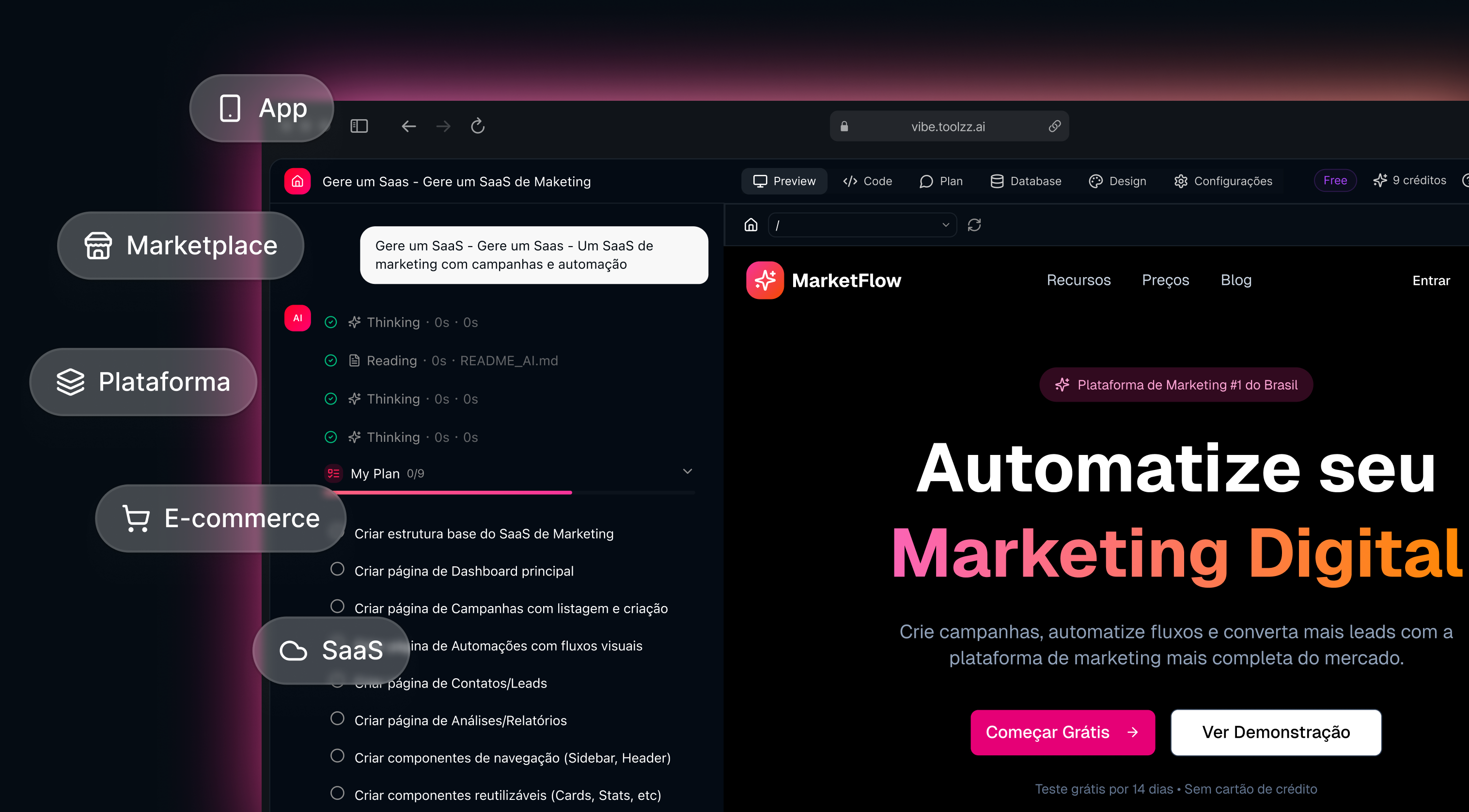
Are you looking to optimize accessible content creation for your team? Learn about Toolzz AI and discover how artificial intelligence can help you.
Implementing Accessibility in Your Corporate Education Platform
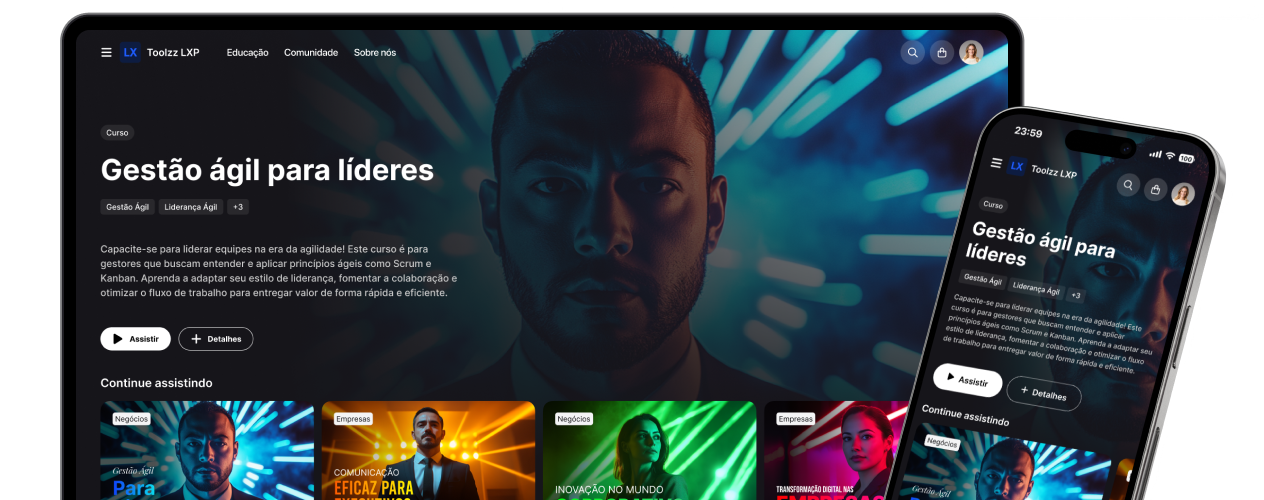
Integrating accessibility features into your corporate education platform is essential to ensure that all employees can enjoy an inclusive learning experience. Platforms like Toolzz LXP offer tools to host and manage training videos, as well as resources to add subtitles, transcriptions, and audio descriptions. When choosing a corporate education platform, make sure it meets your accessibility requirements and offers the necessary tools to create inclusive content.
Want to see how Toolzz LXP can help you create accessible training?
Request a Toolzz LXP demonstrationConclusion
Making video learning accessible is an investment in your team's success and in building a more inclusive corporate culture. By implementing the strategies and tools mentioned in this article, you can ensure that all employees have the opportunity to develop their skills and competencies, regardless of their individual needs. Invest in accessibility and reap the benefits of a more engaged, productive, and diverse team.
See how easy it is to create your AI
Click the arrow below to start an interactive demonstration of how to create your own AI.




















.webp)