Create an AI Agent on WhatsApp with Node.js and OpenAI
Learn how to build an AI agent for WhatsApp using Node.js, Twilio, and OpenAI to automate customer service, improve efficiency, and deliver personalized experiences. This guide covers essential components, step-by-step implementation, and integration possibilities.

March 15, 2026
Create an AI Agent on WhatsApp with Node.js and OpenAI
With the growing demand for efficient and personalized customer service, integrating Artificial Intelligence (AI) into communication channels like WhatsApp has become essential. The combination of Node.js, Twilio, and OpenAI enables the creation of virtual agents capable of answering questions, solving problems, and optimizing the customer experience. This article explores how to build an AI agent for WhatsApp, driving automation and efficiency in your business.
The Rise of AI Agents in Customer Service
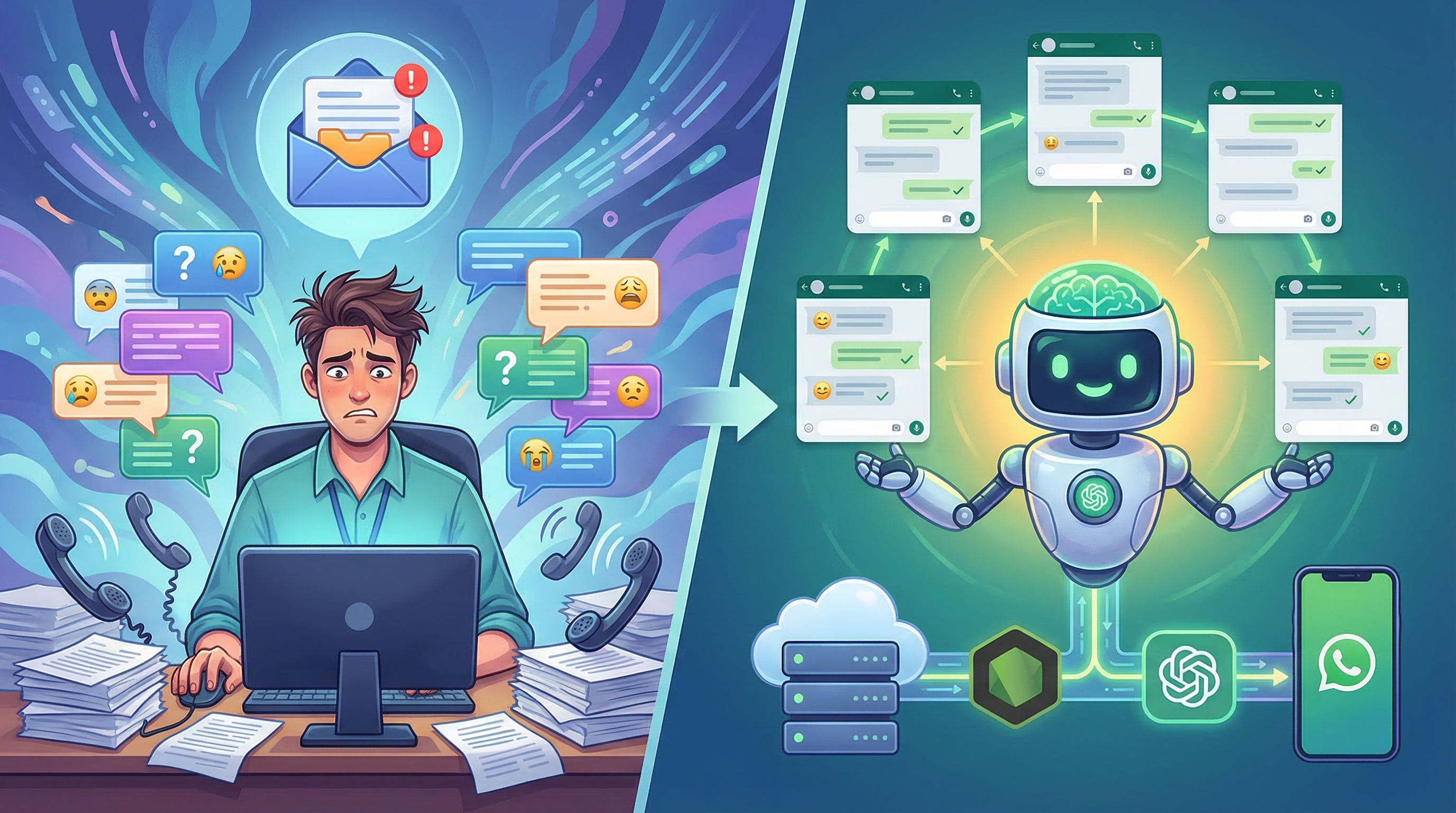
The use of AI agents in customer service is no longer a trend, but a necessity. Companies are seeking ways to handle a growing volume of requests, reduce costs, and offer 24/7 support. WhatsApp, with its vast user base and ease of use, has become a crucial channel for this communication. The ability to integrate AI with WhatsApp allows automating repetitive tasks, freeing human agents to handle more complex issues, and providing instant responses to customers.
Essential Components: Node.js, Twilio, and OpenAI
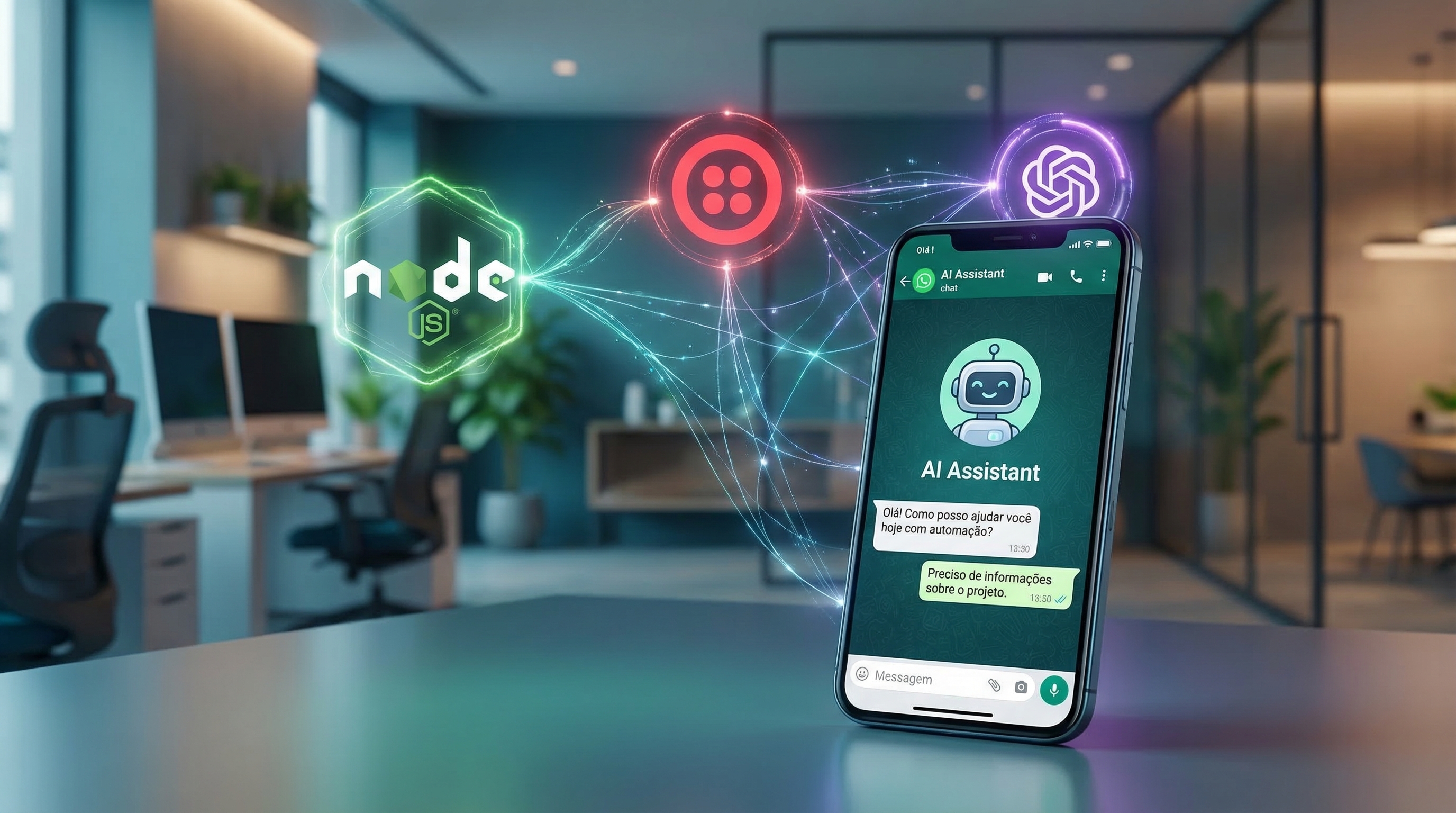
To build an AI agent for WhatsApp, you'll need three main components:
- Node.js: A JavaScript runtime environment that allows you to create scalable and efficient applications.
- Twilio: A cloud communications platform that offers APIs to send and receive messages via WhatsApp.
- OpenAI: An AI research company that provides advanced language models, such as GPT-5 (or earlier versions), for natural language processing.
These tools, combined, enable you to create a system that receives messages from WhatsApp, processes them using OpenAI's AI, and sends relevant responses back to the customer.
Step by Step: Building the AI Agent
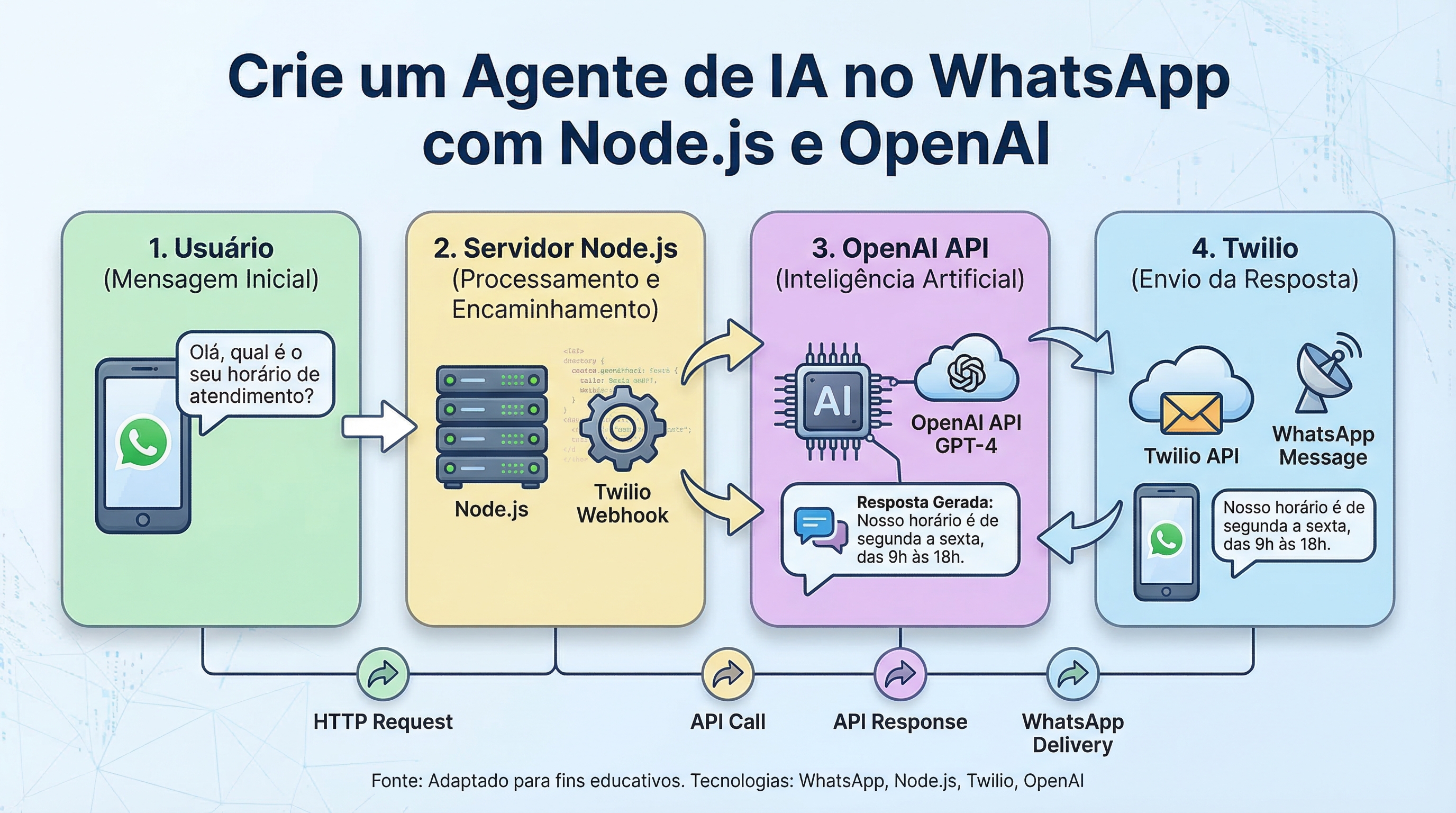
The building process involves configuring the Twilio and OpenAI APIs, creating a Node.js server to receive WhatsApp messages and processing them with the AI model. First, you need to obtain access credentials for both services, including a Twilio account with an active WhatsApp number and an OpenAI API key.
- Twilio Configuration: Set up a webhook on your Twilio number to receive WhatsApp messages. This webhook will be the endpoint for your Node.js server.
- OpenAI Configuration: Import the OpenAI library for Node.js and configure the API key.
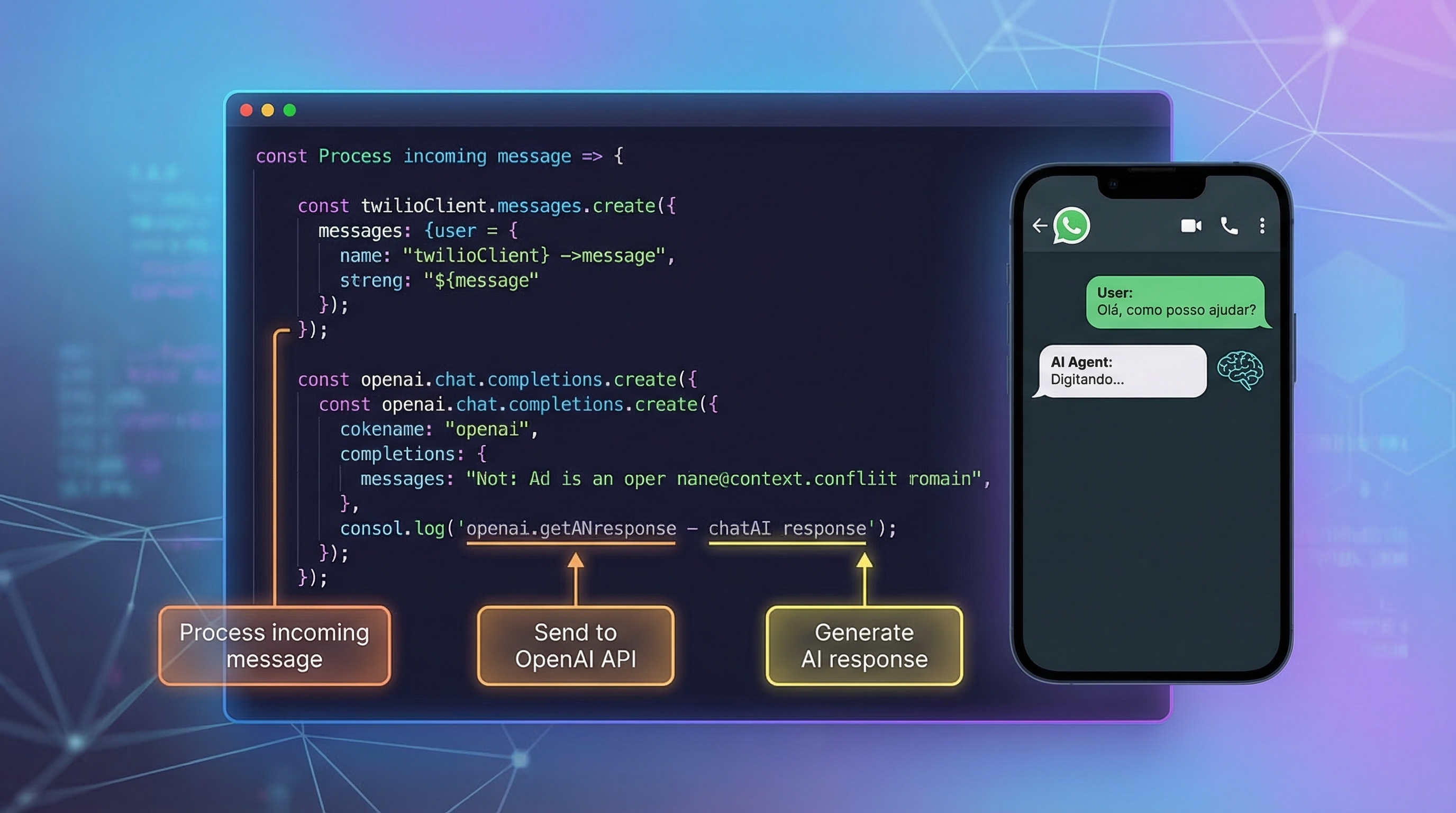
- Node.js Server: Create a Node.js server that receives WhatsApp messages, extracts the message text, and sends it to the OpenAI API. OpenAI will process the text and return a response.
- Response Processing: Receive the response from OpenAI, format it, and send it back to the customer via WhatsApp using the Twilio API.
This process can be simplified with the use of frameworks and libraries that facilitate integration between the different APIs.
Want to understand how Toolzz can help you with this implementation? Schedule a personalized demo and see how we can optimize your customer service.
The Power of Natural Language Processing (NLP)
The key to an effective AI agent lies in natural language processing (NLP). Language models like OpenAI's GPT-5 are capable of understanding user intent, even with variations in how the question is asked. This allows the agent to provide accurate and relevant responses, improving the customer experience. The ability to interpret nuances in language, such as sarcasm or irony, is a significant advancement in conversational AI.
Integrating with Toolzz Chat: Expanding the Possibilities
For companies seeking a complete solution to optimize customer service, integration with Toolzz Chat can be a strategic differentiator. Toolzz Chat offers a robust platform to create and manage chatbots, allowing you to leverage the power of AI across various communication channels. By integrating your WhatsApp AI agent with Toolzz Chat, you can centralize conversation management, gain valuable insights into customer behavior, and automate complex workflows.
Additionally, Toolzz Chat offers advanced features, such as:
- No-code conversational flow creation: Allows you to create chatbots without the need for programming knowledge.
- Integrations with various systems: Connect your chatbot with CRM, ERP, and other business tools.
- Data analysis and reports: Monitor your chatbot's performance and identify improvement opportunities.
Conclusion
Creating an AI agent for WhatsApp with Node.js, Twilio, and OpenAI is an excellent way to automate customer service, improve efficiency, and offer a more personalized experience. By combining these technologies with a platform like Toolzz Chat, you can scale your service operations and achieve even better results. Automation and artificial intelligence are the future of customer service, and Toolzz is ready to help your company prepare for this new era. If you're looking for a complete and robust solution, discover how Toolzz can transform your customer service with AI.
























.webp)